Introduction
Experimental Feature Pro Feature Builderius Sense is an AI assistant integrated into the Builderius builder. It connects to Claude AI through MCP (Model Context Protocol) and has access to your current template, selected elements, project structure, and the Builderius CSS framework.
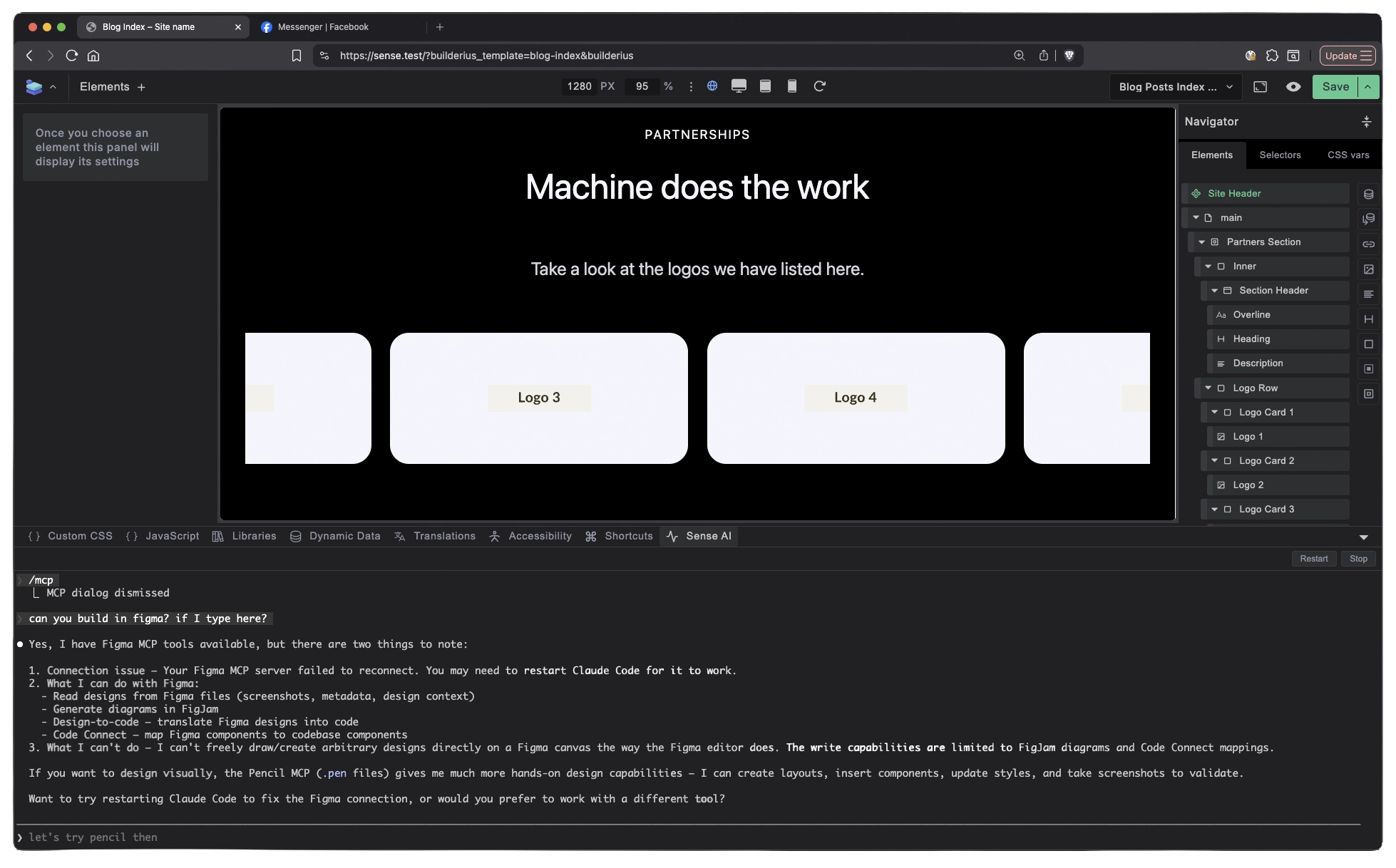
What Sense Does
Sense connects to Claude through MCP (Model Context Protocol). When you give it an instruction, it has full awareness of your current template, selected element, existing structure, and the Builderius framework. It acts on what it can see.
Clone a page from a URL. Paste a link, tell Sense to replicate the page. It builds it with real images pulled from the source, semantic element names, clean CSS following Builderius conventions, and proper nesting. Not a screenshot turned into HTML. A real, editable page inside your workspace.
Build with dynamic data. Point Sense at a blog section on a reference site, tell it to match the design but use real posts. It writes the GraphQL query. It maps title, excerpt, featured image, category terms, date. Each piece is its own element. Separate, editable, queryable.
Precision edits. Select an element, tell Sense to change the grid to 4 columns. Done. Tell it to swap category terms for tags. It sees your selection, swaps the element, updates the query. Tell it to create a secondary color scale with proper naming. Framework-level CSS through a text prompt.
Framework-level CSS. Sense does not just change values. It can create and organize design tokens, duplicate color scales, rename them, build button variants with proper class names and hover states. All following the Builderius CSS framework.
Sense also lowers the cost of trying things. Complex layouts, advanced query structures, or CSS architectures that would take too long to justify by hand become worth experimenting with. You can brainstorm approaches, test ideas quickly, and discard what does not work without losing hours.
It can also explain what it built and why, help you learn Builderius patterns as you work, and validate or correct existing structures. And because it runs through MCP, it can connect to other tools and services in your workflow, not just the builder.
How It Fits Into Your Workflow
- Without Sense
- With Sense
- After Sense
Manual approach:
- Create each element one by one
- Write CSS classes and values by hand
- Build GraphQL queries manually
- Structure and name elements yourself
- Full control, but every step takes time
With Sense:
- Describe what you want in plain language
- Sense builds the structure, writes the CSS, creates the queries
- It follows Builderius conventions automatically
- You review and save when satisfied
- Same control, fraction of the time
What you get:
- Regular Builderius elements, not locked AI output
- Standard CSS you can edit by hand
- Working queries you can modify in the query editor
- Semantic element names you can rename
- No AI layer on top. No abstraction. It is yours.
Context Awareness
This is what separates Sense from generic AI code generation. It knows three things at all times:
What you have selected. When you select an element and give an instruction, Sense operates on that element. It does not guess which element you mean.
What already exists. Sense reads your current template structure, existing styles, queries, and naming conventions. When it adds something, it fits into what is already there.
How Builderius works. The output follows Builderius best practices. Element naming is semantic. CSS uses the framework conventions. Queries are properly structured. It builds the way an experienced Builderius user would build.
Sense does not make decisions for you. You choose what to build. You choose when to save. You review every change before it is committed. Sense speeds up execution without overriding your intent.
What You Need
- A Builderius Professional license
- A Claude API key (you bring your own)
Sense connects to Claude through MCP. Your API key stays on your machine. Support for additional AI models is planned so you are not locked into a single provider.
Claude is the first supported model. Support for other models is coming, so users will have options.
Getting Started
Next steps:
- Install on macOS → — Set up Sense on a Mac
- Install on Windows → — Set up Sense on Windows