Introduction
What Are Builderius Elements: The building blocks you use to create your pages in Builderius - flexible elements that you can place, arrange, and customize to build your template, page or component structure.
Why they're different: Instead of hundreds of pre-made elements, Builderius uses a small set of flexible elements types that can be combined and customized to create virtually anything. This keeps the builder lightweight while giving you unlimited creative possibilities.
What you can build: Virtually any design or functionality by combining and customizing these core elements rather than being limited to pre-designed components.
Most builders have dedicated elements for dynamic content. In Builderius each element can use Dynamic Data in its content or attributes. This means your elements can pull information from your WordPress posts, custom fields, user data, or any other dynamic source regardless of what HTML structure you have.
Three Types of Elements
Container Elements
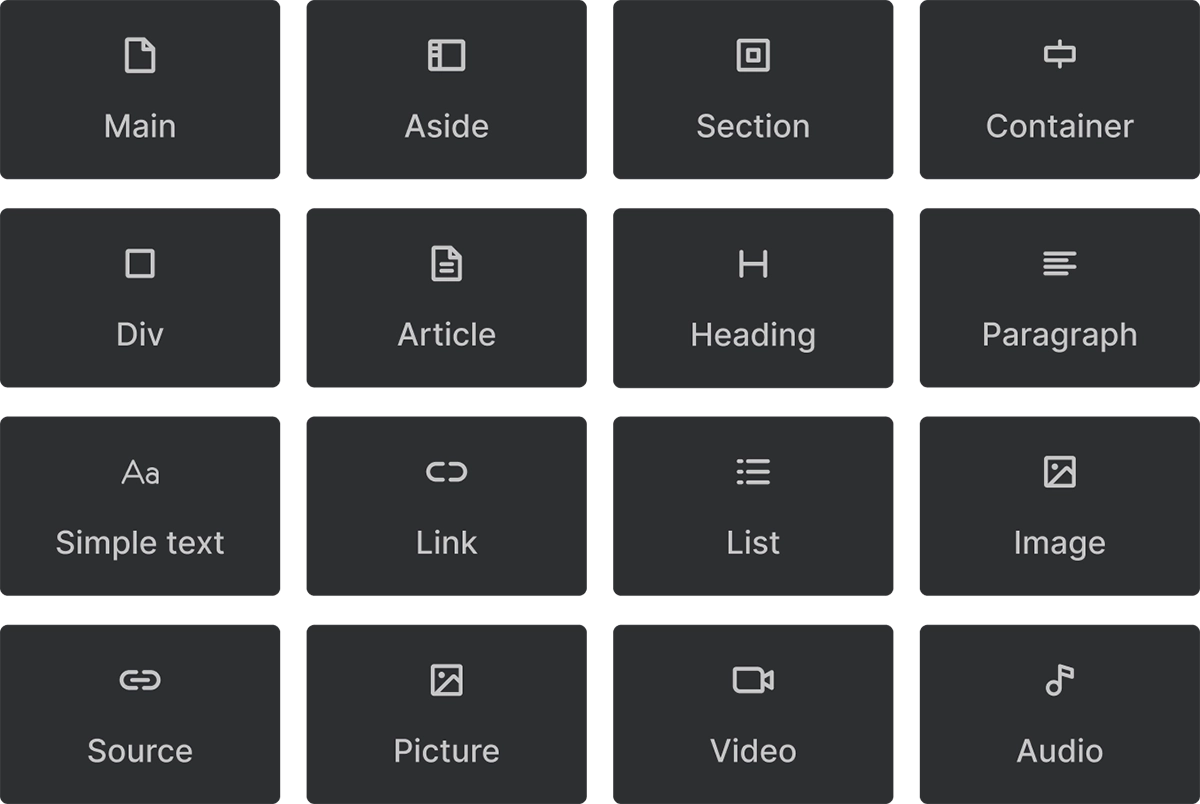
Your everyday building blocks for adding content and structure to your pages. Every container element is a standard HTML element and each can be swapped to be <div>, <p>, <img>, <section> or a custom element like <my-element>.
What makes them flexible: You can transform any container element into any HTML element. Start with a Div and change it to a Section, or a Span, or Strong, or turn a Paragraph into a Heading. The only reason why we include more elements is convinience, so you do not have to do it each time you add an element to a page.
Two variations:
- Singular elements: One Builderius element creates one HTML element (Image, Paragraph, Div)
- Composite elements: One Builderius element creates multiple related HTML elements (Section with inner container, List with items, Picture with Source and Img)
Non-Container Elements

Special-purpose elements that serve specific functions:
- Template element: Used for conditional content and interactive functionality. Doesn't render visible HTML on your page, but powers dynamic features
- HTML Code & SVG Code: Let you add your own custom code directly, with no wrapper elements added around it
Interactive Elements
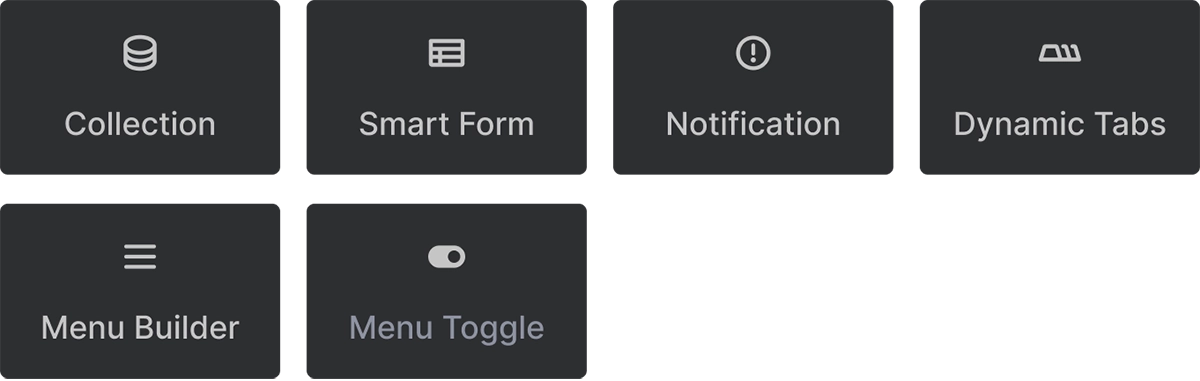
Custom Builderius Web components that provide advanced functionality bridging dynamic data, interactivity and html structure.
- Collection: Loops through and displays repeated content (from static JSON arrays, REST API's, to blog posts or taxonomy terms and dynamic menus)
- SmartForm: Handles form submissions and processing
- MenuBuilder, MenuToggle: Create dynamic and accessible navigation systems
- Tabs, Notification: Add interactive UI components
This element powers many other interactive features. For example, the Tabs element uses a Collection internally to generate the tab buttons and content areas. It is the core looping mechanism in Builderius.
Key Benefits of This Approach
Lightweight and fast: Instead of loading hundreds of pre-built elements, you get a small set of flexible tools that can become anything you need.
Complete control: You have access to every HTML element that appears on your page - no hidden divs or wrapper elements you can't modify.
Unlimited possibilities: Combine and customize these core elements to create exactly what you envision, not just what someone else pre-designed.
Future-proof: When custom elements become available, you'll be able to build and save your own custom elements Upcoming feature using this same system.