Theme Compatibility
Universal Compatibility
Builderius works with every WordPress theme — classic themes, block themes, and hybrid themes. There are no known theme conflicts or compatibility issues.
Location-Based Overrides
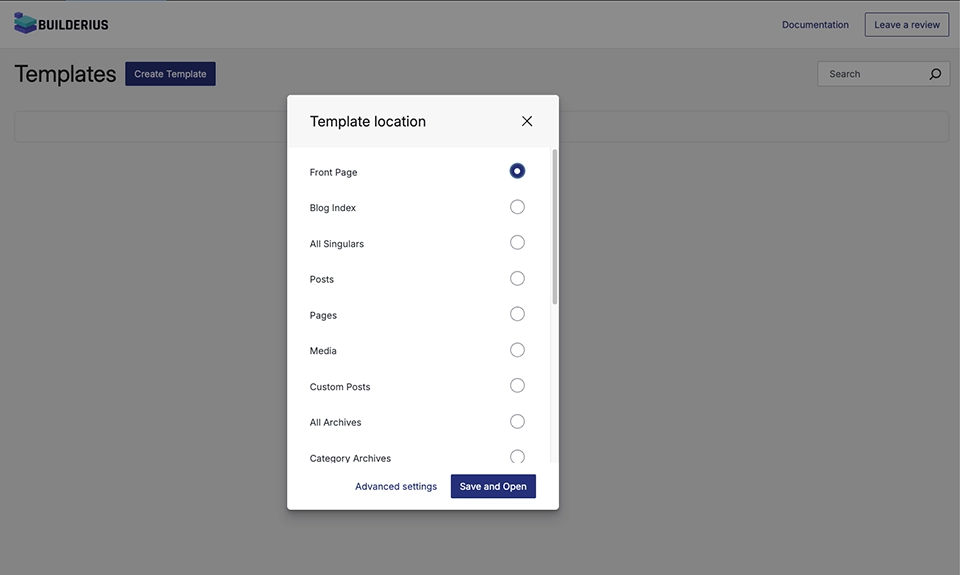
When you activate Builderius on a specific location (Front Page, Blog Page, Single Post, etc.), Builderius completely disables all theme functionality for that location only.
Example: Enable Builderius on Front Page → your theme now has zero influence on the Front Page. Other pages remain unchanged.
Menu Restoration
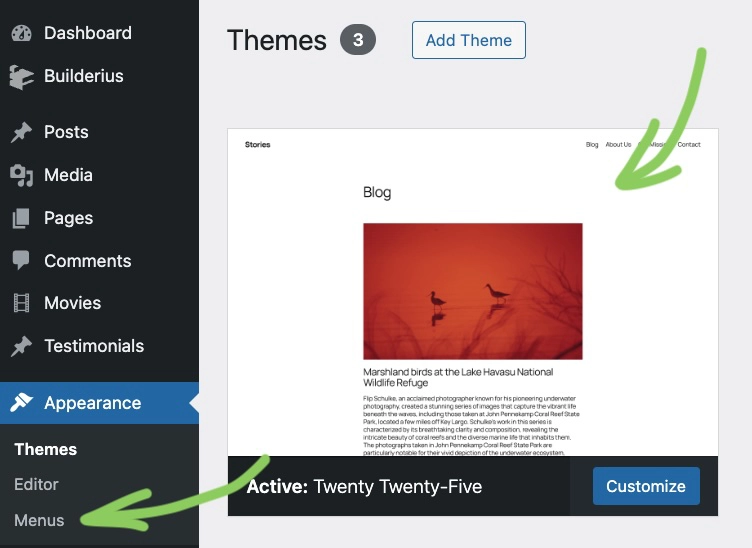
Builderius automatically restores the classic Appearance → Menus interface in WordPress admin, even with block themes activated.
Why this matters: Block themes normally hide the classic menu editor. Builderius brings it back for easier navigation management.
Best Practices
Start small: Work with Builderius on one location at the time (Front Page, single post template ...) and slowly transition from what youhave been using while website experiences zero downtime.
Theme-agnostic design: Build layouts that don't depend on theme features, don't experience any colisions and need for overrides.
Menu management: Use Appearance → Menus for navigation regardless of theme type.
Need different behavior on different pages? Activate Builderius selectively — mix Builderius locations with theme or other buidler-controlled pages as needed.